 KOR
KOR ENG
ENG








Home / Product / Detail page
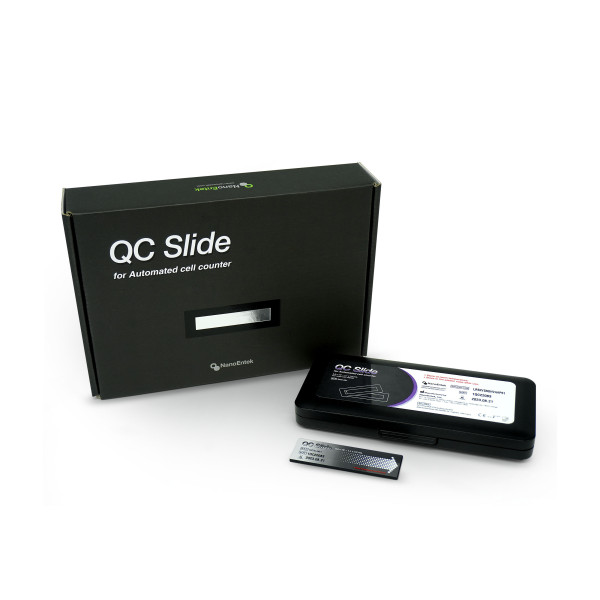

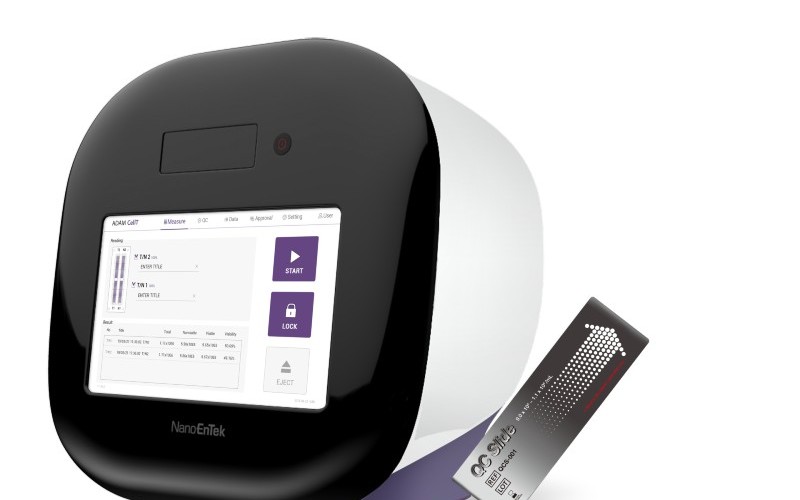
QC Slide for ADAM™ CellT
QC Slide is used
- To provide absolute
particle numbers
- To calibrate the automatic focus
- To check the position of the slide stage
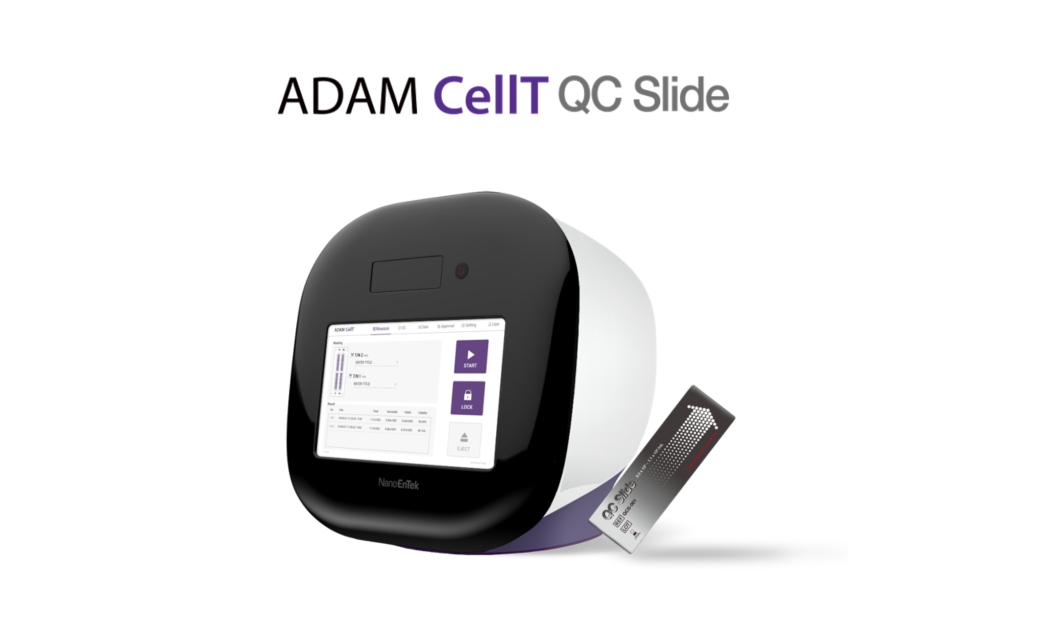
1) Activate the ADAM™ CellT QC mode using QC slide lot number and
activation code.
2) Please register the QC Slide lot in the ‘QC’ tab QC slide Edit.
3) Insert the QC Slide and operate the instrument.
4) Check the result on the ADAM™ CellT QC mode screen or test report.
How to correctly insert QC Slide
Make sure to insert the QC Slide correctly following the direction of arrow.

Data Analysis
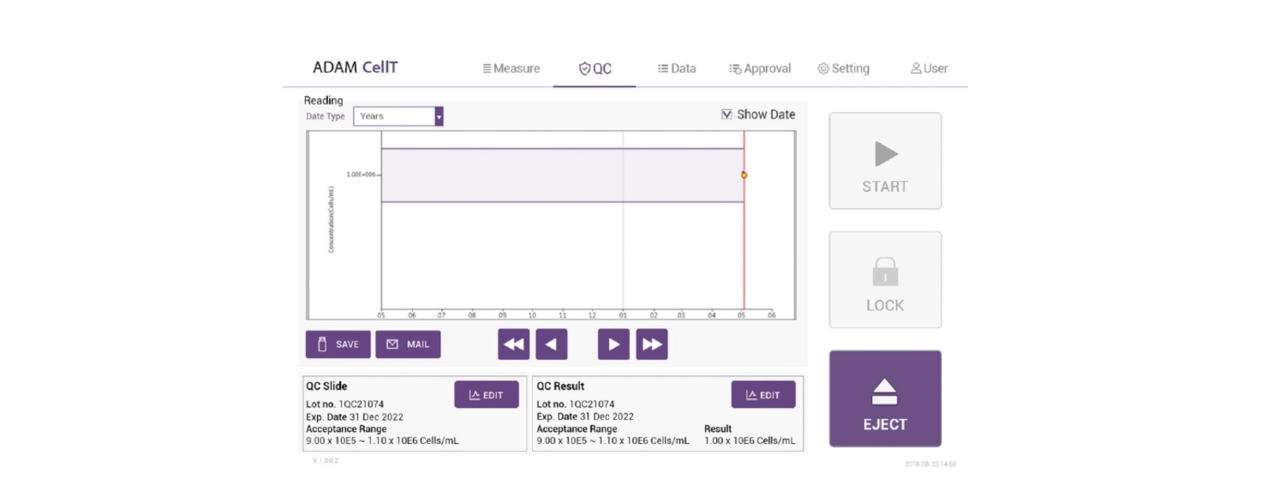
1) The result of performance test2 should meet the ‘Acceptance
range' in the QC slide.
(Example: 9.0E5 ~ 1.1E6 /mL)
2) Acceptance peak size check. (ADAM™ CellT peak graph value: 13
~16 μm).
a. Click the ‘QC’ tab-‘SAVE’ or ‘MAIL’ button on ADAM-CellT
screen.
b. Check the QC Slide peak size (See Cell Size Information) in the
exported ADAM™ CellT test report.
FOR
RESEARCH USE ONLY.
This
product is not approved for diagnostic or therapeutic use.
-
Product name / Cat. No.
QCS–001
-
Acceptance range
9.0 × 10E5–1.1 × 10E6/mL
-
Acceptance slide peak size
13–16 μm
-
Dimensions
74.9 mm (W) x 24.9 mm (D) x 2.0 mm (H)
-
Expiration date
1 year
Related downloads Total 1
-
ADAM-CellT QC Slide_Manual_NanoEntek



ExTransfection™ Protocol Library
ExTransfection™ provides open protocols that make it easy for users to set up and run experiments. Its 24-well optimization method helps users to optimize transfection protocols easily and quickly.
ExTransfection™ also offers a pre-programmed optimization protocol that helps an easy and quick optimization of electrical parameters for both adherent and suspended cells.